How to Keep a Home Office Organized: A 10-Minute Reset Routine
A light physical routine for a tidy office: a ten-minute end-of-day reset, a twenty-minute weekly reset and a seasonal check of drawers, shelves and supplies, with a table of what to do when.
At a glance
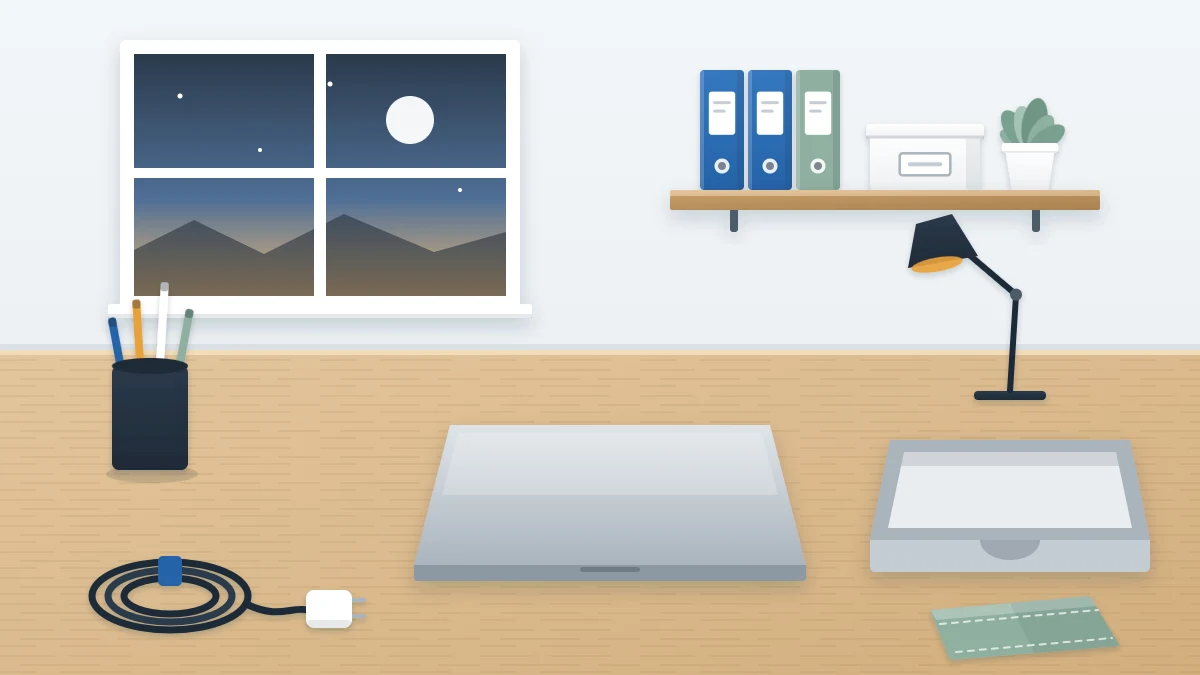
What you need
- Inbox tray
- Small recycling bin
- Cleaning cloth
- Soft reusable cable ties
- Basket for items that belong in other rooms
Organizing an office is a project with an end. Keeping it that way is a small repeated action, and it is the part most setups leave out. The simplest way to keep a home office organized is a short physical reset: at a set moment, everything that was taken out goes back.
The routine below has three sizes. A daily reset of about ten minutes or less, a weekly one of roughly twenty, and a seasonal check that takes an hour or so. None of it is about planning your work. It is only about returning objects to their places.
Before you start: every item needs a home
A reset can only return things that have somewhere to go. If you end the day holding an object and wondering where it lives, the routine has found a gap in the setup, not a failure of effort.
So the first week doubles as a test. Each time something has no obvious place, give it one on the spot and carry on. If the same gap keeps turning up, the list of common home office organization mistakes will help you trace the cause.
What to keep on hand
- One inbox tray for loose paper
- A small recycling bin within reach of the desk
- A cleaning cloth kept in a drawer or folded at a corner of the desk
- One or two soft reusable cable ties
- A small box or basket for things that belong in other rooms
The end-of-day reset
Do this at the same point every day, tied to something that already happens, such as closing the laptop. Work in the same order each time so it becomes automatic.
- Remove what does not belong. Cups, plates, wrappers and anything from another room go into the basket or straight out of the door with you.
- Return tools. Pens to the cup, scissors and stapler to the drawer, the notebook to its stand or shelf. Check the floor and the chair as well as the desk.
- Gather loose paper. Every sheet on the desk goes either into the recycling bin or into the inbox tray. Do not sort it now. The only decision is tray or bin.
- Deal with the tray if it is nearly full. If the stack has reached the rim, move its contents to their folders today instead of waiting for the weekly reset.
- Coil the loose charger. If you unplug a laptop or phone charger, wind the cable in a loose loop about the size of your hand, fasten it with a soft tie and put it in its spot. Do not wind it tightly or bend it sharply at the ends.
- Clear the surface. What remains on the desk should be only the items that live there. Push the chair in.
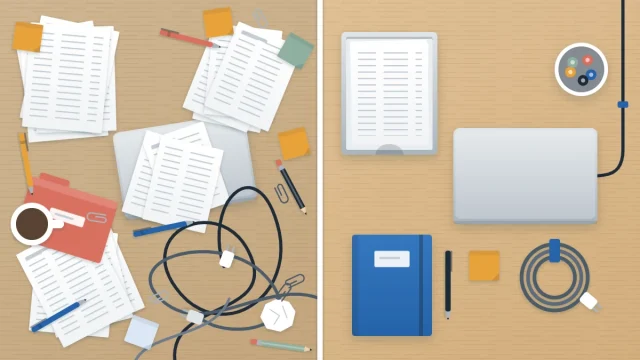
On an ordinary day this takes five to ten minutes. If the desk has got beyond what ten minutes can fix, do a one-off clear using the method for decluttering your desk in about half an hour, then pick the routine up again the next day.
Tip
Keep the daily reset mechanical. The moment you start reading a letter or reorganizing a drawer, it stops being a ten-minute job. Anything that needs thought goes in the tray for the weekly session.
The weekly reset
Once a week, add about twenty minutes for the jobs that do not need doing daily. Pick a fixed day so the paper never has more than a week to build up.
- Empty the inbox tray. Take the stack out and move each sheet on: into its file folder, into an action folder, into recycling, or into the shredding container if it shows personal details. The tray should end the session empty. If incoming mail is the main source of the stack, a mail station near the door will catch most of it before it reaches the desk.
- Wipe the desk. Lift each item, wipe underneath and put it back. A dry or barely damp cloth is enough for most surfaces; follow the maker’s care advice for the desk finish and for screens and keyboards.
- Restock the working set. Refill the pen cup, sticky notes, printer paper and anything else that ran low from your supply stock. Note what the stock itself is short of.
- Empty the bins. Take out recycling and trash, and run the shredder if the container is full.
- Empty the basket. Carry everything that belongs in other rooms back to them.
The seasonal check
Every three months or so, look at the places the daily and weekly resets never open. This is a check, not a reorganization. Allow about an hour.
- Drawers: open each one. Remove anything that has drifted in from elsewhere, throw away dried-out pens and straighten the dividers.
- Shelves: stand fallen books and binders upright again, return stray items to their boxes and dust the shelf edges.
- Supplies: look through the stock. Combine half-empty packets, move the oldest to the front and write down what needs replacing.
- Files: check that folders still close easily. A folder too fat to handle needs splitting or thinning. How long to keep a given paper depends on what it is and where you live, so check official guidance or ask a qualified professional before discarding anything you are unsure about.
- Cords: look along each visible cord and charger. Stop using and replace any that is frayed, cracked or gets unusually hot.
The routine at a glance
| How often | Rough time | What you do |
|---|---|---|
| Daily | 5 to 10 minutes | Remove strays, return tools, paper to tray or bin, coil the charger, clear the surface |
| Weekly | About 20 minutes | Empty the tray into folders, wipe the desk, restock, empty bins and the basket |
| Seasonally | About an hour | Check drawers, shelves, supplies, files and cords |
Adapting the reset to your space
A desk in a shared room. The daily reset matters more here, because the surface may be needed by someone else or be in view all evening. Add one step: anything that cannot stay out goes into a lidded box or a drawer.
A table you pack away from. Your reset is the pack-down itself. Keep the same order every day so that nothing gets left on the table.
A paper-heavy office. If the tray fills in two days, either empty it twice a week or use a deeper tray. Do not add a second tray, which only creates a second pile.
Frequently asked questions
When is the best moment to tidy a home office?
At the point you stop using the room for the day. Tie the reset to an action that already happens, such as closing the laptop or switching off the lamp, so it needs no reminder. The desk is then clear when you next sit down.
What if the office is too messy for a ten-minute reset?
Then it needs a one-off clear first. Take everything off the desk into a box, put back only daily essentials and sort the box over the following days. Once every item has a home, the daily reset is short because it only returns what was used that day.
Do I have to file paper every day?
No. During the daily reset, loose paper only goes into the inbox tray or the recycling bin. Moving sheets into folders happens once a week, when the whole tray is emptied in one session. Daily filing is only worth doing if the tray is already full to the rim.