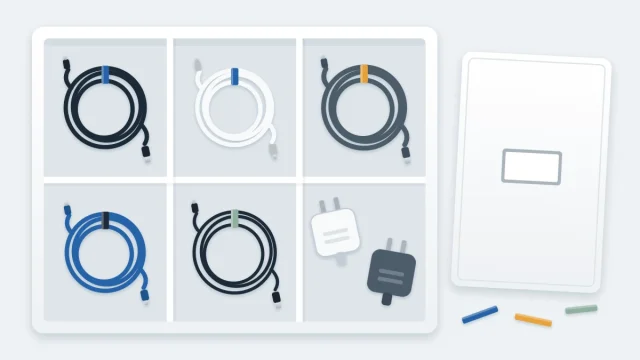
How to Set Up a Tidy Charging Station for Phones and Devices
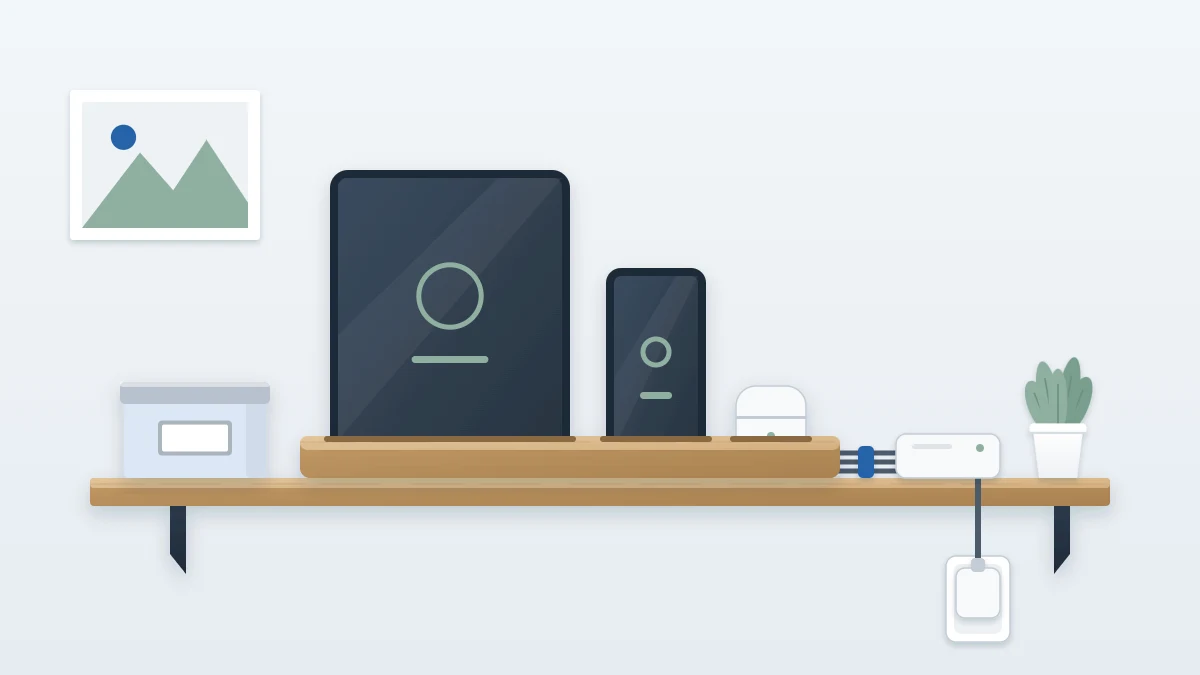
Set up one tidy place to charge phones, tablets and earbuds: a hard, uncovered surface, a stand that holds devices upright, gathered cables and a labeled spot per person.
At a glance
What you need
- Slotted stand, divided tray or upright file sorter
- Each device's own charger and cable
- Soft reusable ties
- Adhesive cable clips
- Labels or colored bands and a marker
- Small lidded box for spares
Phones charge by the kettle, a tablet on the hallway floor, earbuds wherever a free cable happens to be. The chargers themselves wander from room to room, and every evening someone asks who took theirs.
A charging station gathers all of that into one fixed place: a hard surface, a stand, one cable per device and a named spot for each person. It is a storage decision more than a technical one, and you can set it up in under an hour with things you probably already own.
Step 1: Gather the kit and pick one hard, uncovered surface
You will need:
- Every device that needs regular charging, with its charger and cable
- A stand, a divided tray or an upright file sorter to hold devices
- Soft reusable ties
- Two or three adhesive cable clips
- Labels or colored bands and a marker
- A small lidded box for spare cables
Then look for a spot that meets four conditions:
- Hard and flat. A shelf, a console table, a section of counter or the top of a low cabinet.
- Uncovered. No cloth, papers or cushions on it, and open air around the devices.
- Close to an existing outlet. The cables should reach without stretching or crossing a walkway.
- On a route people already use. Near the front door, in the hallway or at the edge of the office, so dropping off a phone takes no detour.
Avoid spots beside the sink or the stove, on a sunny windowsill or next to a heater. Keep it out of reach of small children and pets if that applies in your home.
Safety note
Never charge a device on a bed, sofa, cushion or other soft surface, and do not cover a device or charger while it is charging. Do not overload the outlet or power strip, and follow the manufacturer’s instructions for the strip and for each device. Never plug one power strip into another, and keep cords out from under rugs. If the right spot has no outlet, a new outlet is a job for a licensed electrician.
Step 2: Match each device to its own charger
Lay the devices in a row and place the correct charger and cable in front of each. Use the charger supplied with the device or one its maker recommends. If you are not sure whether a charger suits a device, check the device’s instructions before using it.
Inspect each charger and cable as you go. Unplug and stop using any that looks damaged, with a frayed or cracked cable, a bent connector or a loose plug, and any that gets unusually hot. Replace it, following the device maker’s guidance on what to buy.
Chargers left over after every device has its match are spares. Set them aside for the box in Step 6.
Step 3: Hold the devices upright
Devices lying flat take up the whole surface and end up stacked on each other. Standing them on edge, each in its own slot, uses a fraction of the space and keeps air around each one.
- A slotted charging stand made for the purpose, with wide slots that do not squeeze the devices.
- An upright file sorter or plate rack for tablets and larger phones.
- A divided tray for small things that cannot stand: earbud cases, a watch, a power bank.
Leave a gap between devices instead of packing them side by side, and take off any thick case that the device maker advises removing for charging.
Step 4: Shorten the visible cable run
Long cables are what make a charging spot look messy. You have two tidy options:
- Use short cables, bought from the device maker or a source it recommends, so there is little to manage.
- Keep the cables you have and gather the extra length: fold it into a wide, loose loop behind the stand and hold it with a soft tie.
Never cinch the tie tight or bend a cable sharply at the connector. Fix an adhesive clip at the back edge of the surface for each cable, so the free end stays put when a device is lifted away instead of sliding to the floor.
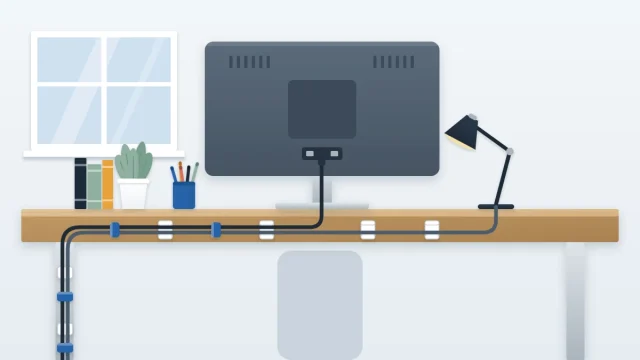
Place the adapter blocks where you can see and reach them, with air around them, not wedged behind furniture. For the run from the surface down to the plug, the grouping method in the guide to desk cable organization works the same way here.
Step 5: Give each person a labeled spot
A station shared by a household needs ownership to be obvious, or the fastest cable becomes everyone’s favorite.
- Assign one slot, or one section of the tray, to each person.
- Label the slot with a name or a color.
- Mark that person’s cable and adapter with the same name or color, at both ends.
- Agree that a cable stays in its clip. If someone needs to charge elsewhere, they take a spare from the box, not the station cable.
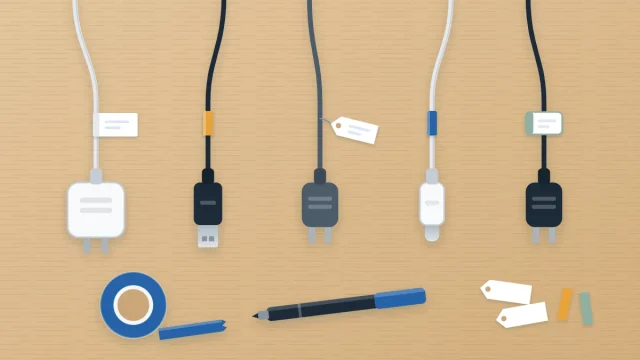
Tags, tape flags and color bands are explained in the guide on how to label cables and chargers. If the station sits in a room two people work in, the color-per-person approach in shared home office organization extends naturally to chargers.
Step 6: Box the spare cables
Keep one small lidded box beside or below the station for spares and travel chargers. Coil each cable loosely, secure it with a soft tie and label it. The box is for working spares only. Damaged chargers do not go in it. Take those to a local electronics recycling point.
Tip
Add one clearly marked guest cable for the most common connector in your home. Visitors then have somewhere to charge without unplugging anyone’s device.
Keeping the station in order
- Wipe the surface and the stand with a dry cloth every week or so, with the devices lifted off.
- Remove anything that is not a device or a charger. Keys and mail tend to settle here and soon cover what is charging.
- When a device is replaced, remove its old charger and label at the same time.
Adapting to your home
- No free surface near an outlet: clear one shelf of a bookcase that stands beside an outlet, and leave the shelf open at the front.
- Laptops as well as phones: stand closed laptops in an upright file sorter with wide slots, and check each laptop’s instructions about charging with the lid closed.
Frequently asked questions
Where is the best place for a charging station?
A hard, flat, uncovered surface close to an existing outlet and on a route people already walk, such as a hallway shelf or a console table by the door. Keep it away from sinks, stoves, heaters and sunny windowsills, and out of reach of small children and pets.
Can I use one charger for all my devices?
Use the charger supplied with each device or one its maker recommends. Chargers that look alike are not always suitable for every device. If you are unsure, check the device's instructions before using a charger, and label each charger and cable with the device it belongs to.
How do I stop charging cables falling behind the furniture?
Fix one adhesive cable clip per cable at the back edge of the surface and seat the cable in it. When a device is lifted away, the free end stays in the clip. Gather any extra length into a wide, loose loop with a soft tie behind the stand.